Apple
IPTV on Apple TV, iPhone and iPad
Apple devices tend to be smooth to use, with one rule that shapes everything: apps come from the App Store. Here is what to look for, and what an app's price actually pays for.
Apple TV
On the big screen
The Apple TV 4K handles live streams comfortably, and has an Ethernet port on some models. An older HD model still runs many apps, though you should check before buying a paid one.
- Open the App Store from the Apple TV home screen
- Search for the player we suggest for your model
- Enter your details with the remote, or the iPhone keyboard prompt, which is much faster
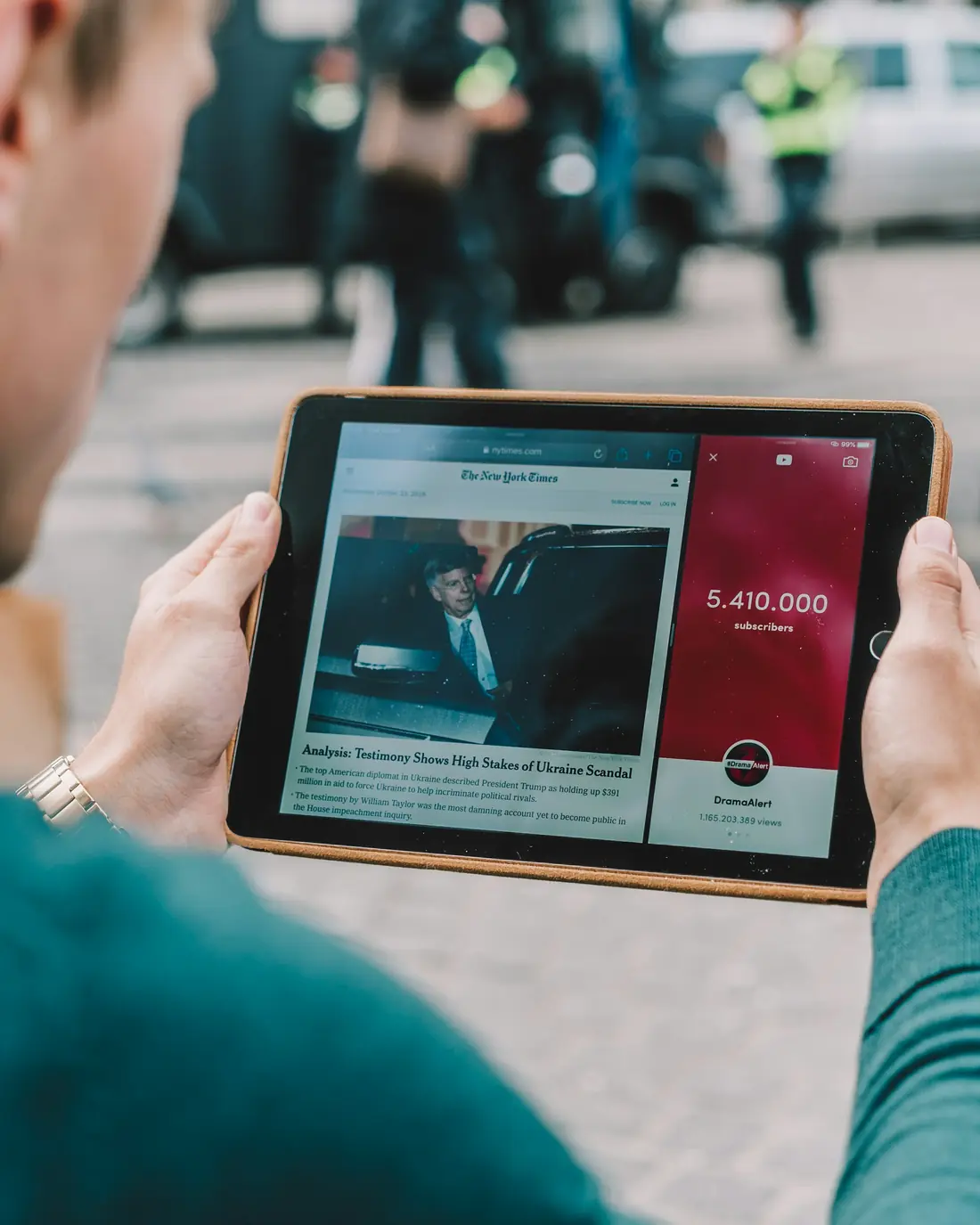
iPhone and iPad
Taking it around the house
The same login can usually be added on an iPhone or iPad, which is handy for the kitchen or a second room. Remember that plans have limits on screens playing at the same time. AirPlay can also send a picture from your iPhone to a compatible TV, though a player app on the TV is usually steadier.
App fees
Paying for a player is normal
Some App Store players are free with ads, and others charge a small one-off or yearly fee. That money goes to the developer, not to us, and it pays for the app only. Player apps contain no channels, so be wary of any app that claims otherwise.
Ask us which app suits your device before paying for one.
Device and platform names belong to their owners and appear here only to say what the service runs on. Beast IPTV is not affiliated with or endorsed by them.